¶ Installing Shutter
Shutter is available for Fabric on versions 1.16.5, 1.17.1, 1.18.2, and 1.19.2. We do not currently support any other versions or modloaders.
¶ Installing Manually
Before you can download and install shutter, you must first have installed fabric and created a modded instance of Minecraft. For a walkthrough on this you can follow the Fabric Docs on instructions to install manually.
To get started, download the appropriate version of Shutter based on the minecraft version you are using from the list of supported versions above. You can view the list of versions on modrinth:
Once you have downloaded this, drag shutter into the mods folder of your minecraft fabric installation.
¶  Installing on Modrinth Launcher
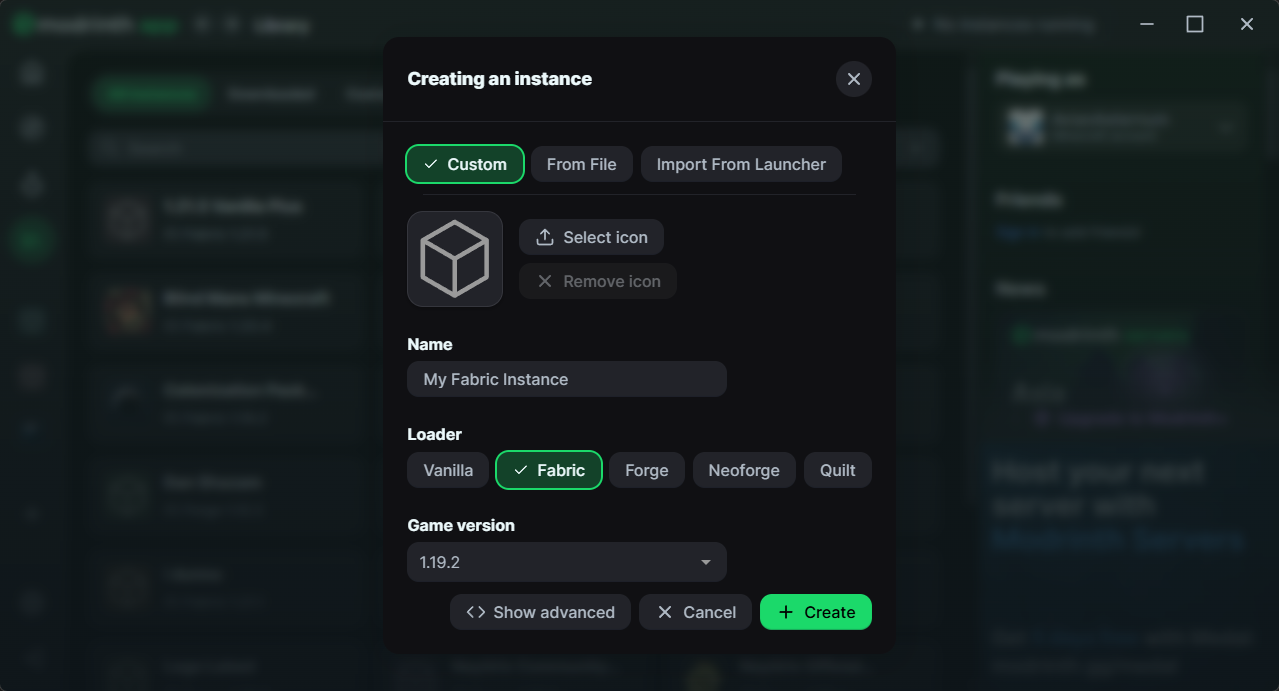
Before you can install Shutter, you must first create a Fabric instance on a supported minecraft version, you can do this by clicking the Create New Instance button on the left sidebar when viewing your library.
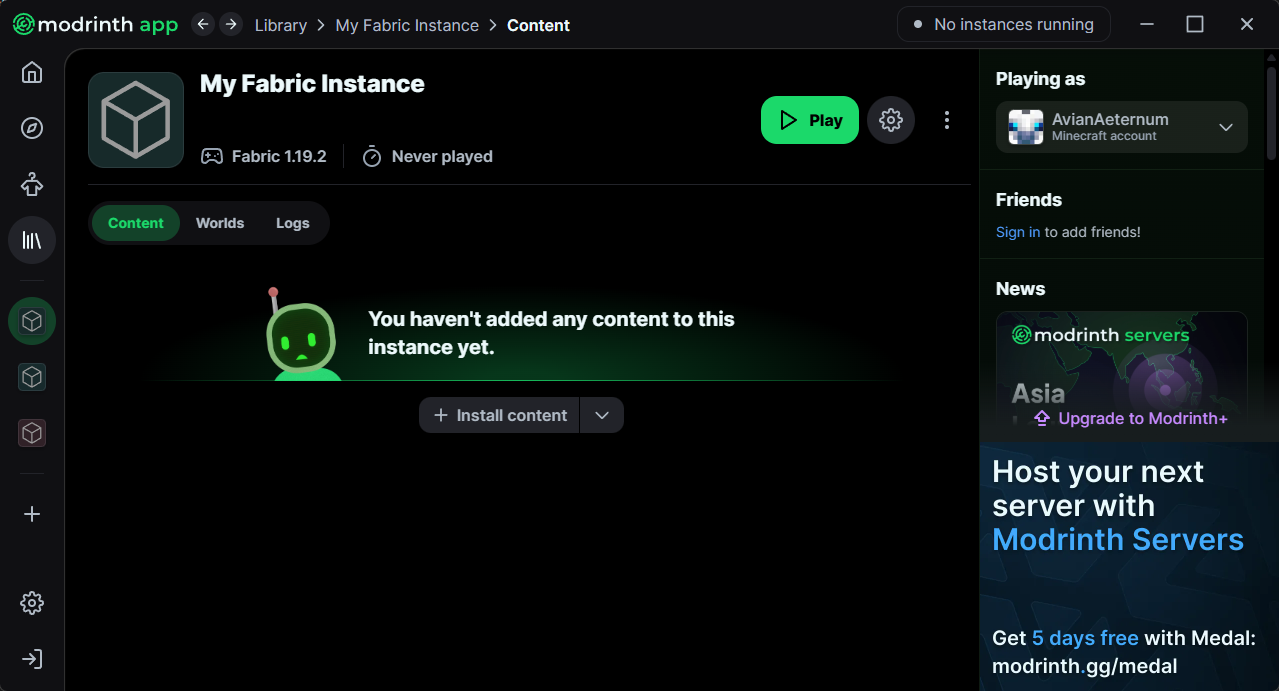
Once the instance is installed, you can click install content, and search for Shutter, if your fabric instance is on a supported version, shutter will show as a one click install option.